

Link Building for AI: Google AI Mode Tactics
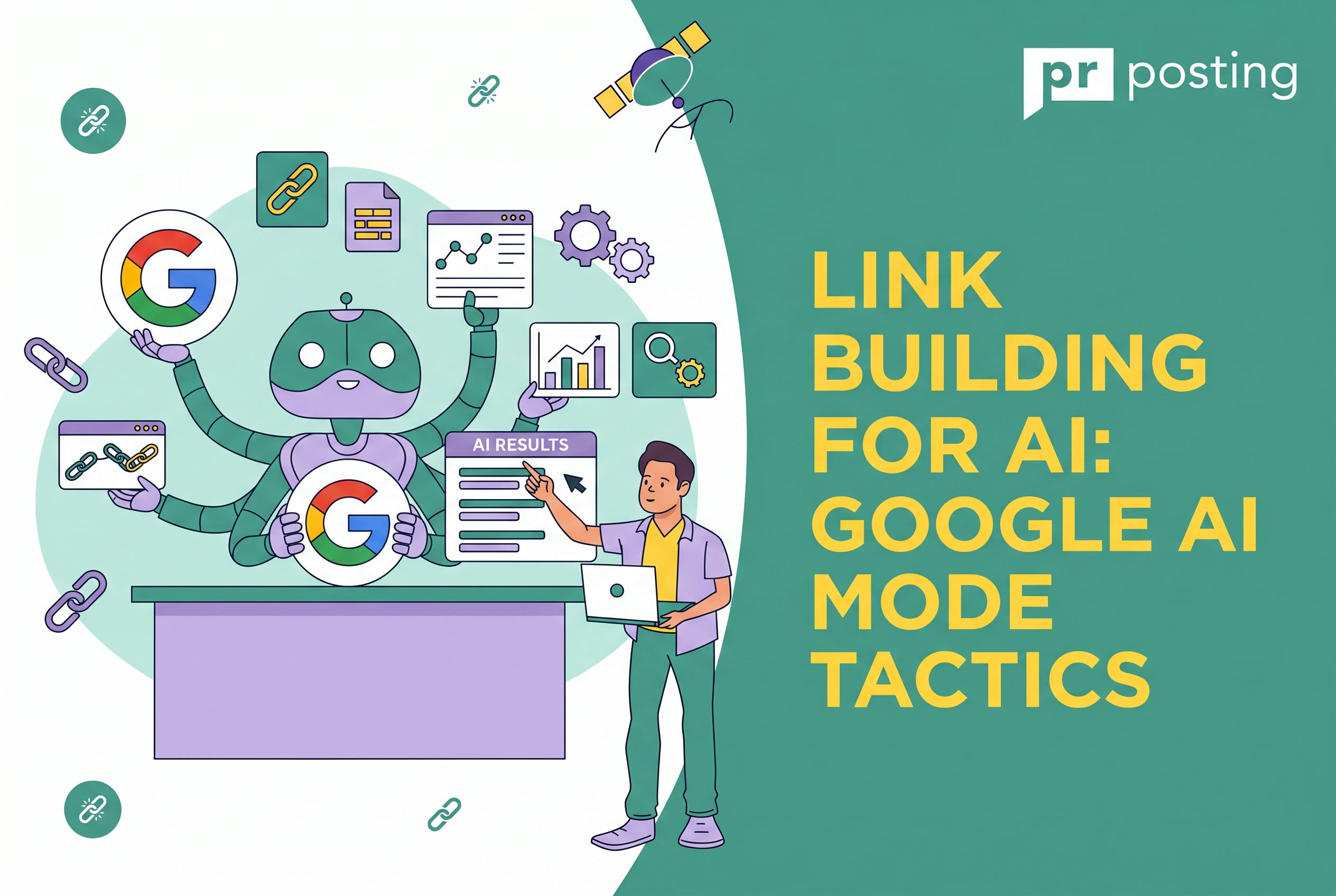
This interface synthesizes website data in real time into coherent narratives, rather than simply listing URLs.
To rank here, your site must transition from a page to a verified entity within the Google Knowledge Graph.
Key Takeaways
- Verify Entity Salience. Connect your brand to specific niches via Wikidata and schema.
- Audit Citations. Check if Google AI mode search currently credits your content.
- Optimize for Extractability. Use clear definitions for Google AI mode features.
- Monitor News. Track Google AI mode news regarding source weighting updates.
What is Google AI Mode?
Google AI mode is a conversational search layer that performs deep research for users.
It uses multi-step reasoning to transform fragmented data into structured answers.
Instead of clicking links, users read a synthesized report that cites specific websites as authoritative evidence for every claim made.
Google AI Overviews vs. Google AI Mode
| Feature | AI Overviews (AIO) | Google AI Mode |
| Placement | Integrated into standard search results. | A dedicated tab or standalone interface. |
| Interaction | Static/Passive. You read a summary. | Conversational. You ask follow-ups. |
| Purpose | Immediate answers for simple queries. | Complex research, planning, and reasoning. |
| SEO Logic | Prioritizes “extractability” (scannable facts). | Prioritizes “semantic depth” (nuance). |
| Triggers | Automatic (for ~50-60% of searches). | User-initiated (via tab or “Show More”). |
Google AI mode is a search-integrated research tool. It uses the Gemini model to browse the live web.
It prioritizes extractable data and authoritative citations over traditional keyword density.
You should no longer just optimize for a click. You should optimize for a mention. If the AI doesn’t cite you, you don’t exist for potential customers.
- Logic-based retrieval. It follows a chain of thought to answer “why” and “how.”
- Live web grounding. It accesses real-time data to verify facts.
- Entity tagging. It links your brand to specific topics in the Knowledge Graph.
Google AI Mode vs. Gemini
Is Google AI mode the same as Gemini?
No, they serve different goals. While both utilize Gemini 1.5 and 2.0 Pro models, their execution differs.
Gemini acts as a creative assistant for drafting or coding. Google AI mode search is a factual tool built strictly to verify and display web-based evidence.
Google AI Mode vs. Gemini (Standalone Version)
| Feature | Google AI Mode (Search) | Gemini (Standalone App/Web) |
| Primary Goal | Information Discovery: Synthesizing the world’s information for complex queries. | Task Execution: Assisting with workflows, creativity, and personal management. |
| Data Source | Multi-Source Index: Uses “query fan-out” to pull from dozens of live web sources simultaneously. | Workspace + Knowledge: Integrates deeply with your Gmail, Docs, and Drive via extensions. |
| Citations | Foundational: Every claim is tied to a clickable web source or “trusted brand” card. | Contextual: References sources for research, but prioritizes logical flow for creative tasks. |
| User Intent | Exploratory: “Show me the best 2026 EVs compared by range and real-world winter performance.” | Productive: “Draft a project proposal based on my meeting notes in Drive and find a time to send it.” |
| Interface | Search-Centric: Built into the Google app with a focus on “Live Search” and interactive grids. | Chat-Centric: A clean, conversational thread designed for long-context reasoning and iteration. |
| Key Strength | Objectivity: Acts as a neutral researcher summarizing various viewpoints. | Agency: Acts as an agent that can “do” things (booking, emailing, organizing). |
You might wonder about how to use Google AI mode for research versus creative writing.
Use the version with built-in search when accuracy is non-negotiable. Use the standalone app for brainstorming.
Google AI Mode vs. Perplexity
When comparing Google AI mode vs Perplexity, the winner is often determined by data depth.
Google uses its massive Knowledge Graph to provide better localized and YMYL (Your Money, Your Life) data.
Perplexity is fast, but Google’s entity mapping is historically superior for commercial queries.
Google AI mode features include deep integration with Google Maps and Shopping.
This makes it more grounded for users making buying decisions.
According to Bikash Yadav’s AI Survey Statistics study, Google’s AI snapshots appear for over 88% of informational queries and 74% problem-solving queries.
This confirms that Google’s AI-powered search has become the new benchmark for visibility.
The Google AI mode launch changed the stakes for SEO. It isn’t just about traffic anymore. It is about becoming a trustworthy source.
Google AI Mode Features and User Interface
Google AI mode features prioritize verification and deep reasoning over simple link indexing.
- Query Fan-Out. This breaks a prompt into five granular search paths.
- Visual Verification. Text claims link directly to specific image segments.
- Source Weighting. The algorithm favors entities with high salience in Wikidata.
- Reasoning Loops. The system checks its own facts before displaying them.
The 2026 update introduced Query Fan-Out, which segments one prompt into five concurrent sub-searches.
Visual Verification now anchors text claims to specific video timestamps or image pixels.
These tools ensure every synthesized answer remains grounded in verifiable web evidence.
Google’s 2026 search interface utilizes multi-step reasoning to validate information.
Key attributes include automated query segmentation and direct visual citations.
How to Access Google AI Mode
Users can access Google AI mode by interacting with the gradient spark icon.
This Google AI mode logo sits at the top of the standard results page.
On mobile devices, a dedicated “AI Mode” tab appears within the Google app for both Android and iOS.
- Open the Google App or visit the homepage.
- Locate the gradient spark icon.
- Click the Google AI mode logo to start a session.
- Alternatively, select the “AI Mode” tab on mobile.
How to Turn Off Google AI Mode
If you prefer classic lists, you can turn off Google AI mode easily. You must adjust your Search Preferences to revert to the standard view.
Disabling this feature stops the automatic generation of AI Overviews.
How to Turn Off Google AI Mode on Android
Follow these steps on your mobile device:
- Open the Google App.
- Tap your Profile Picture.
- Go to Settings > Search Preferences.
- Select AI Labs.
- Toggle “Enable AI Mode” to Off.
How to Turn Off Google AI Mode on Desktop
To disable Google AI mode on a computer, click “Settings.”
This icon sits on the top right of the SERP. This action clears the Google AI mode search interface from your browser.
How to Rank in Google AI Mode
To rank in Google AI mode, you must shift from collecting link juice to building trust nodes.
Google AI mode search does not just count links. It evaluates whether your site is a trustworthy source.
- Entity Trust. Links from high-authority Wikidata or industry nodes.
- Citation Loops. Being referenced by other sites that the AI already trusts.
- Information Gain. Providing unique statistics that the AI cannot find elsewhere.
If the Google AI mode scraper identifies your data as unique, it will cite your brand as a definitive authority.
Ranking in AI Google Mode requires moving beyond traditional backlink volume to focus on citation-worthy sources.
Google’s AI mode prioritizes original data and links to editorial publications.
Link Building for AI Citations
Google’s AI mode prioritizes links from pages containing first-hand information. If your content provides useful information, data that the model wasn’t trained on, you become the primary source of citations.
Digital PR and Original Data
Google’s AI mode thrives on fresh data. By publishing original survey results or your own datasets, you create an “information moat.”
Because the LLM cannot replicate your specific findings, it is forced to cite your name.
Editorial Co-citation
The Google AI mode search algorithm looks for neighborhoods of expertise.
If your brand appears in roundups alongside established market leaders, the AI clusters you with those entities.
This shared context signals to the engine that you are a peer to the giants in your niche.
How to Measure Technical SEO Improvement
Your site must be LLM-friendly to earn a spot in the citation panel. This means making your content easily extractable for the Google AI mode scraper.
Technical issues, such as slow page loading or incorrect code, prevent AI from checking your claims in real time.
Technical optimization for AI mode is aimed at improving machine readability and ensuring section-level accessibility.
Using fragment identifiers and specific Schema markup allows Google to pinpoint and credit individual facts.
These updates transform a static page into a structured data source for LLMs.
Use Fragment Identifiers
Ensure your H2 and H3 tags use ID attributes. For example, use <h2 id=”how-to-rank”>.
Google AI mode search prefers linking to these specific anchors. This allows the AI to send users directly to the relevant answer within your content.
Use Schema Markup
Use the Article and ClaimReview schema to help the Google AI mode scraper.
These tags serve as a kind of “fast lane” for the artificial intelligence, allowing it to identify key facts.
| Optimization Task | AI Benefit | Implementation |
| Fragment IDs | Section-level citation | Add id=”name” to all H-tags |
| ClaimReview Schema | Fact-check eligibility | Define “claimReviewed” in JSON-LD |
| FCP < 0.4s | Higher citation frequency | Optimize Core Web Vitals |
Privacy, Tracking, and Data Scrapers
Google AI mode tracking creates a “User Context Model” by monitoring how you interact with conversational search.
Google analyzes previous research behavior to personalize which brands appear in future AI-generated summaries.
For marketers, this means visibility depends on the historical relevance your content provides to a specific user’s journey.
Google AI mode tracking builds personalized user profiles based on past research intent and conversational history.
This context determines brand visibility in AI Overviews. Marketers must focus on high-utility content to remain relevant within these individualized user context models.
The Google AI mode scraper is a specialized bot that gathers data for these deep-reasoning answers.
This crawler behaves with more urgency than the standard Googlebot. It seeks extractable facts that can be synthesized instantly.
- Google-Extended. You must allow this user AI agent in your robots.txt file.
- Verification. Blocking this prevents the AI from citing your site.
- Grounding. The scraper needs access to verify real-time claims.
If you block the Google AI mode scraper, your brand effectively vanishes from the conversational web.
Common Mistakes to Avoid
Many SEOs fail because they ignore how entities actually function. One major error is over-optimizing for anchor text.
Google AI Mode largely ignores exact-match anchors. It prioritizes the semantic context of the surrounding paragraph.
Successful optimization avoids legacy tactics like keyword-stuffed anchors and isolated content.
Google’s AI prioritizes paragraph context and external brand sentiment from niche communities.
Ignoring these signals prevents a brand from being recognized as a trusted entity.
- Ignoring Niche Communities. Google checks Reddit and specialized forums to verify your authority.
- Static Thinking. AI search is a dialogue, not a billboard.
- Vague References. Using “this” or “that” instead of naming the entity.
Actually, a study by Boston Consulting Group found that 64% of users now trust AI-curated brand recommendations over standard ads. If niche forums do not mention you, \AI considers your “Entity” unverified.
Step-by-Step Guide: How to Rank in Google AI Mode
To rank in Google AI mode, you must build pages that function as structured data sources. This requires a shift from articles to knowledge nodes.
Building an AI-friendly page involves three core steps: defining a core fact, providing proprietary evidence, and using a semantic hierarchy.
This structure ensures that the Google AI mode scraper can easily extract and credit your data in its responses.
Identify the Core Fact
Start with a clear, definitive statement. This is your “What.” Avoid fluff and get straight to the point.
Add Evidence
Provide a unique data point or an expert quote. This is your “Why.” AI systems prioritize original information gain.
Structure for AI
Use H3 headings for supporting entities. Use H4 headings for specific use cases. This is your “How.”
Earn the Citation
Outreach to industry news sites. Get your data-driven link published on authoritative nodes.
FAQs
How to access Google AI mode?
Look for the “Search Labs” icon in your Chrome browser or Google App.
How to rank in Google AI mode?
Focus on Answer Engine Optimization by providing direct, data-rich responses.
How to disable Google AI mode?
You can disable Google AI mode by opting out of Labs or using the “Web” filter.
How to use Google AI mode for research?
Use it to find verified, source-backed data for your own articles.



More Like This
Technical SEO KPIs: Tracking What Actually Matters

Enterprise SEO and Link Building