
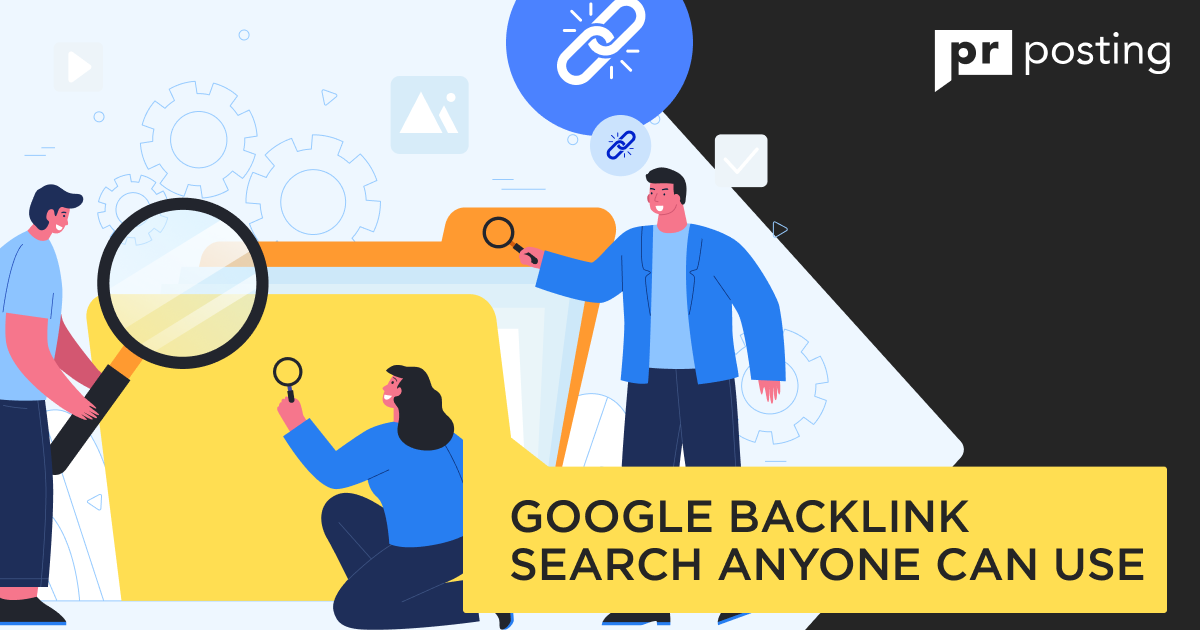
Google Backlink Search Anyone Can Use
Most people think this data stays locked away. That is a myth. You can find these links for free.
This article shows you how. We cover basic search operators and specialized tools.
Understanding your link profile helps your rank. It shows which sites trust your voice. You might find a fan blog. Perhaps a news site cited your data.
These links act like votes. More votes often mean higher visibility.
You do not need to be a link-building specialist. Nor do you need expensive software.
Just open your browser. Type a few specific queries. You will see your reach immediately.
What Is a Google Backlink Search
A backlink search in Google uncovers incoming paths. Think of it as a digital audit.
It identifies websites that point to yours. This process clarifies your online reputation.
You see exactly who shares your content.
- Some links provide high value. Others have little value.
- This search helps you track growth. It also spots potential spam. Keeping your profile clean is vital.
- Search engines use these links to judge your site.
- High-quality links boost your authority. Low-quality ones might hurt you.
Frequent checks keep you safe.
How Backlinks Appear in Google
Bots crawl the web constantly. They follow every link they find. When a bot finds your URL, it takes note.
This connection gets logged in a massive index. Not every link cuts. Some are ignored. Others get high priority.
This depends on the source site.
Why Google Hides Full Backlink Data
Transparency has its limits. Full data could invite manipulation.
Spammers love to reverse engineer secrets. Total silence prevents easy cheating. It keeps the playing field fair.
You only see what matters most.
How to Search Backlinks on Google
You can use the main search bar. No fancy dashboards are required. It starts with simple commands.
Using the link: operator
Try the link operator first. Type your URL after the colon. This used to be the standard. It still offers a quick glimpse.
- Open a new tab.
- Type “link:https://www.google.com/search?q=yourwebsite.com.”
- Hit enter.
- Browse the results.
Limits of the Link Operator
This tool feels a bit busy now. It often shows a small sample.
Do not expect an exhaustive list. It serves as a starting point.
Brand Name Search Methods
Try a Google search for backlinks using your name.
Search for your brand in quotes. Exclude your own domain. This finds “unlinked mentions.”
- Search your company name.
- Look for news articles.
- Check forum discussions.
Page-level Backlink Checks
Specific pages need focus, too.
Use Google Webmaster Tools backlinks data for this. This tool provides deeper insights.
It lists your top-linked pages. You can see which blog post wins. It helps you double down on success.
Check individual URLs often. See which topics attract the most buzz.
Search for Backlinks on Google Manually
Finding who links to you requires some work. You can perform a Google backlink search without any paid software.
Start by typing your domain into the search bar. Exclude your own site to see external mentions.
This method feels raw but stays very effective. It uncovers hidden corners of the web.
You might find a small blog mentioning your work. Or perhaps a forum discussing your latest project. These manual checks help you assess your audience’s sentiment.
Finding Links with Quotes
Use quotation marks to find exact matches of your URL. This forces the engine to show specific instances. It filters out the noise.
You get a clean look at your digital footprint. Just wrap your address in those little marks. Hit enter and see what pops up.
Reverse Image Backlink Checks
Images act as great link bait for many creators. People often borrow photos without giving proper credit.
- Right-click on your unique images.
- Select the option to search by image.
This reveals sites using your visuals. You can then ask them for a proper link. It is a simple way to reclaim your value.
Competitor Backlink Discovery
Peeking at rivals helps you grow your own site. Use a backlink search Google query for their brand names.
See where they get their mentions. Can you reach out to those same editors? Maybe your content offers a better perspective.
- List five main competitors.
- Search their URLs in quotes.
- Note the blogs that feature them.
- Reach out with your own pitch.
Google Backlinks Tool Options
Official utilities provide the most reliable data. You should use a Google backlinks tool regularly.
These are free and built by the source itself. They offer a peek behind the curtain.
Google Search Console Backlink Report
This dashboard remains a gold mine for site owners. It shows exactly what the engine sees.
No guessing. Just cold facts about your connections.
Top linking sites
See which domains send you the most traffic. Some might surprise you.
You might find a news site there. Or perhaps a niche hobbyist page.
Top linked pages
Which of your articles is top-performing?
This report highlights your most popular assets. It shows what people find truly useful.
Use this to plan your next post.
Google Webmaster Tools’ Backlinks
Using Google Webmaster Tools’ backlinks data ensures you stay on top.
It tracks your progress over months. You can see if your efforts actually pay off.
Google Backlink Search vs SEO Tools
Is a basic search for backlinks on Google enough? It depends on your current goals. Sometimes you need speed over depth.
Accuracy Comparison
Direct searches show what is currently indexed.
Third-party apps use their own crawlers. They might see things the main engine misses. However, the engine data is what affects your ranking.
When Google Search is Enough
For a quick check, use the search bar. It’s fast. It costs nothing. Works on any device.
When Third-Party Tools Help More
Use external apps for large-scale data exports. They help when you have thousands of links. For a small site, the free path wins.
Common Google Backlink Search Mistakes
Many users rush their Google backlink search and miss vital facts.
They assume a single query tells the whole story. It rarely does.
You might overlook a major site that mentions you. Or perhaps you misread the signals from the results. Clarity requires a bit more effort.
Let’s look at where people most often make mistakes.
Relying Only on Google
The giant search bar feels like a total solution. It is not.
A backlink search on Google session only shows what is indexed. Some new links take weeks to appear. Others stay hidden due to privacy settings.
Relying on one source limits your view. You might miss a growing trend on social media. Or a mention in a private newsletter.
Use multiple ways to verify your reach.
Ignoring Nofollow Links
Some links carry a specific tag called nofollow. These tell search bots to stay back.
Many creators ignore them entirely. This is a mistake. These links still attract real visitors and increase your brand awareness.
A search backlinks Google query should value every mention. Traffic is traffic, regardless of a tiny tag. Do not delete them from your mind.
Missing Internal Backlinks
Do you link to your own pages? These internal paths matter for your site structure.
People often focus only on external websites, forgetting about the architecture of their own website.
A backlink Google search focuses on outsiders. However, your own links guide your readers. They help distribute authority across your site.
Keep a list of your best internal connections.
- Audit your main navigation menu.
- Check links within your blog posts.
- Ensure your contact page is easy to find.
Final Thoughts
Best Use Cases for Google Backlink Search
Why bother with all this digging?
A Google search for backlinks serves specific, practical goals. It is not just about vanity. It is about strategy.
Link audits
Sometimes, bad websites link to you. These can be spammy or broken sites. An audit helps you find these toxic spots.
You can then ask for removal. Or you can simply ignore them. Regular audits keep your site clean.
Outreach research
Want more visitors? Look at who links to your rivals.
A Google backlink tool approach works well here.
Find blogs that love your niche. Offer them something new. This builds your network naturally.
- Identify three top competitors.
- Search for their most shared articles.
- Contact the authors of those posts.
- Pitch a unique guest topic.
Content gap analysis
Your links tell you what people like. If one post gets fifty links, write more like it. If another gets zero, maybe you shouldn’t write on this topic.
Use Google to spot these patterns. You might find a topic your rivals missed.
Fill that void with your own expert voice. This puts you ahead of your rivals. You may become the primary source others cite.



More Like This
Backlinks Builder Tools Used by SEO Agencies
Backlink Submitter Tools for Tiered Links